 itch.io
 Gumroad
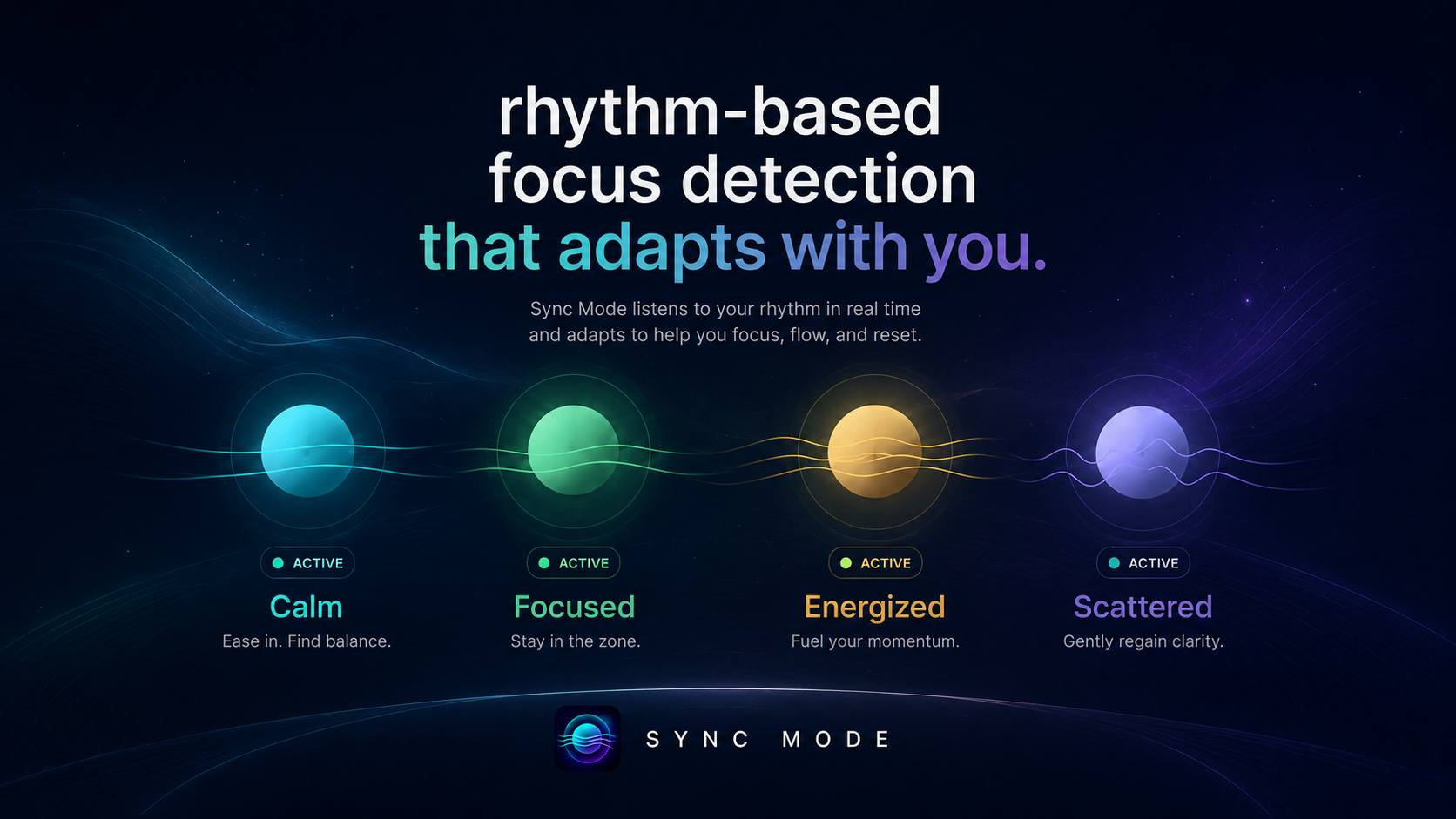
What it does
Sync Mode creates a more responsive workspace for focus, study, writing, coding, planning, and creative work.
As you use your Mac, it looks at local activity patterns like typing rhythm, pauses, mouse movement, and clicks. Then it estimates your current focus mode and adjusts the atmosphere around your session.
Use it when you want your workspace to feel calmer, more focused, more ambient, less rigid, or better matched to your current pace.
Focus modes
- Calm — for slower, quieter work
- Focused — for steady, locked-in sessions
- Energized — for fast, high-momentum work
- Scattered — for restless or interrupted moments
Why you'll like it
Not every focus session needs a timer.
Sometimes you just need your environment to help you settle in, keep momentum, or notice when your rhythm feels scattered. Sync Mode gives you a softer way to support focus without turning work into another checklist.
Privacy
Sync Mode reads your rhythm, not your content.
It does not read what you type. It does not scan documents. It does not watch your clipboard. It does not track URLs. It does not send activity to the cloud.
Early release note
Sync Mode is still improving. The detection may not always be perfect yet, but the goal is for it to feel gentle, useful, and private. Feedback is welcome.
Price
$3.99 - $4.99 with optional support. QuietWare apps are one-time purchases with no subscription. Use the store buttons on this page for current platform availability.