 itch.io
 Gumroad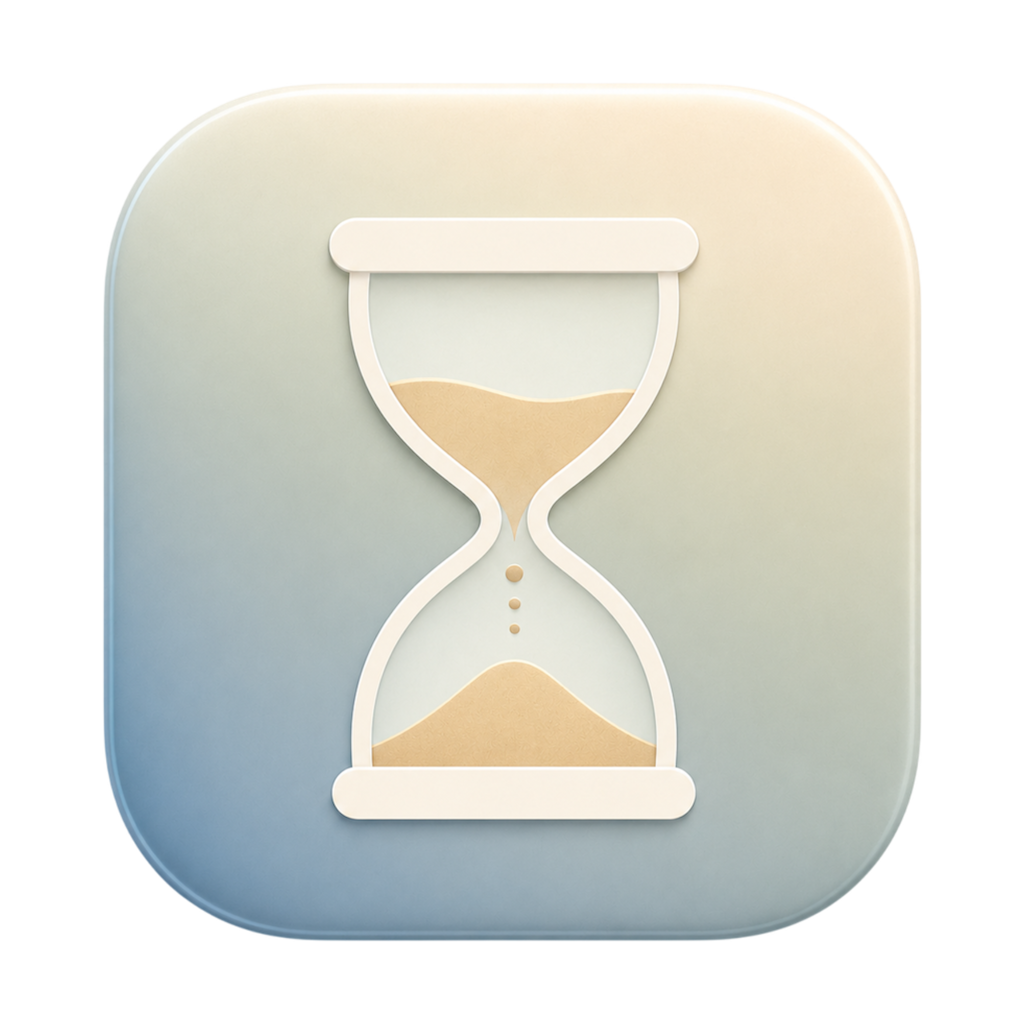
What it does
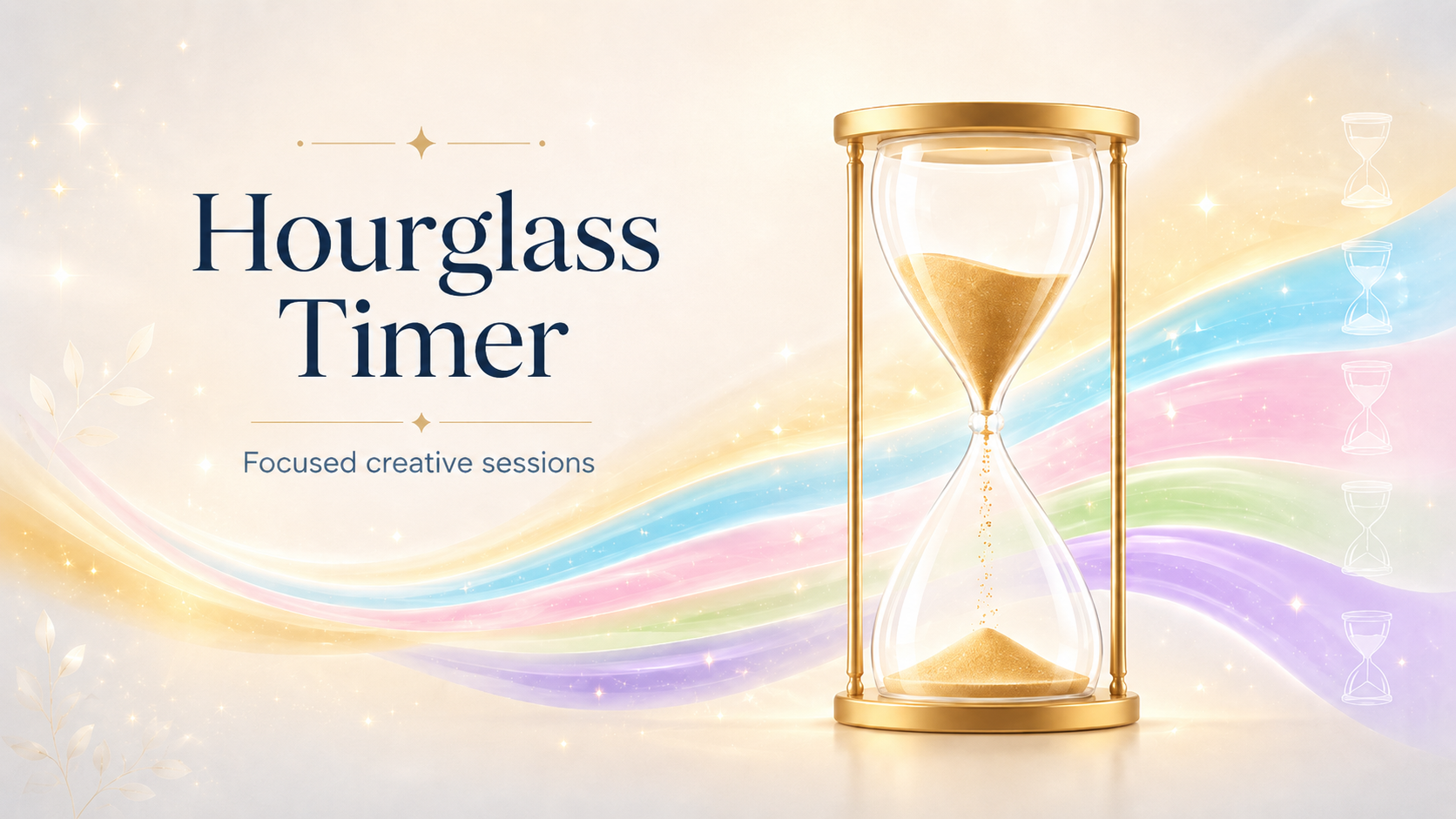
Hourglass Timer turns a focus session into something quieter and more visual.
Instead of a loud countdown or cluttered productivity app, you get a clean hourglass that can sit on your screen while time passes.
Use it for:
- Writing sprints and study blocks
- Creative sessions and journaling
- Coding and reading
- Breaks — or any task that needs a gentle timer
Why you'll like it
Hourglass Timer is made to feel calm, simple, and out of the way.
Keep it visible with always-on-top mode, hide the timer text for a cleaner look, or go fullscreen for a more immersive session.
It gives you a sense of time passing without making your workspace feel busy.
Sound options
Add soft background audio to your session with sand sounds or color noise. Choose brown noise, pink noise, or white noise to help mask distractions and create a steadier focus environment.
Installation
Download the macOS DMG, open it, then drag Hourglass Timer into your Applications folder.
Price
$3.99 - $4.99 with optional support. QuietWare apps are one-time purchases with no subscription. Use the store buttons on this page for current platform availability.
If Hourglass Timer helps you focus, write, study, or create, support is always appreciated.